Cruise Line Tycoon Roblox Discord & Community Safety
Follow official channels—ignore password prompts and fake code drops.
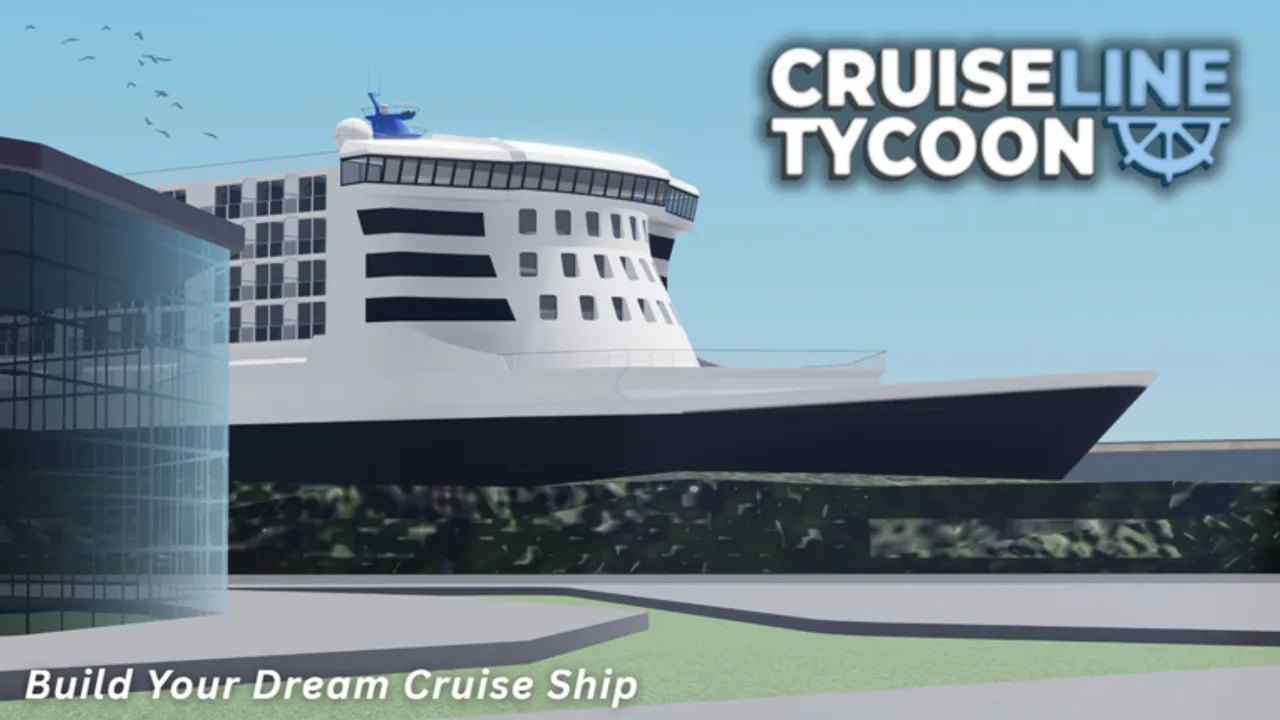
Quality Studios maintains Discord presence tied to Cruise Line Tycoon—the Free Beta Roblox experience where you build tile-grid ships, hire crew, and sail between islands like Qanaveral, Nassau, and Barcelona. Discord is where patch chatter, bug reports, event notices, and fresh Trello links often appear first. It is also where impersonators, fake code bots, and exploit promoters hunt careless captains. This page explains how to use community Discord safely without inventing invite URLs that rot the moment moderators reorganize channels.
We do not host permanent Discord invite links here. Open the official Links section from the Roblox experience or Quality Studios group page—the same starting points listed on the Links hub—and bookmark whatever invite the developers publish today.
Why Discord matters in Free Beta
Beta development moves faster than static wikis. Discord helps when:
- V1.22.0 advanced paint drops and you need confirmation before repainting an Imperial Class flagship.
- Modular structure bugs appear after V1.20/V1.21 overhauls and you wonder if collision fixes are known.
- Mission text like First Class Indulgence confuses shop-visit counters.
- Fresh Trello board URLs replace dead links—read the Trello guide after grabbing pins from official channels.
Discord shows intent and discussion; shipped truth still lives in live Roblox behavior and summarized Updates pages.
Finding the official server
Workflow captains should follow every month:
- Launch Cruise Line Tycoon on Roblox via the official place ID 11474405411 linked from Links.
- Open the experience Links or social panel—developers route to current Discord invites from there.
- Alternatively, visit the Quality Studios Roblox group and use its linked social destinations.
- Verify the server name and pinned rules match the game you play—not Cruise Ship Tycoon or copycat experiences.
- Bookmark the server root; avoid deep links to single channels that moderators delete during refactors.
If a friend shares an invite without official provenance, compare announcements against Updates before trusting patch rumors.
Patch rumors versus official posts
Discord excels at early signal and terrible at dates. Use this triage table:
| Source type | Weight | Captain action |
|---|---|---|
| Pinned dev announcement | High | Read fully; retest in Roblox |
| Screenshot of Trello card | Medium | Match column + Roadmap context |
| ”Leaked V1.23” thread with no dev reply | Low | Ignore for build decisions |
| Random DM code | Ignore | Check Codes hub instead |
| Exploit/script advertisement | Block | See Scripts safety notes |
When hype claims co-op shipped, verify on Roadmap—co-op remains planned, not released in public Alpha.
Events, codes, and seasonal hype
Event channels spike when summer items or advanced paint patches land. Official events may coincide with limited promo codes—but no verified active codes exist publicly right now. Redeem only strings announced on pinned posts or listed on the Codes hub after confirmation.
Read How to Redeem Codes before clicking “claim reward” bots. Legitimate redemption happens inside the Roblox UI, never on password-collecting websites.
Security rules that never bend
Official moderators and developers never ask for:
- Your Roblox password.
- Two-factor backup codes.
- Payment outside official Roblox Alpha purchase flows.
- Remote desktop access to “fix” inventory.
Enable two-step verification. Reject DMs offering free Aurora Class hulls or Hailmar discounts—real Aurora Class savings come from in-game shipyard pricing (20% off at Hailmar when live), not Discord giveaways.
Report impersonators using server reporting tools; do not engage exploit sellers—account bans cost more than any shortcut.
Productive Discord workflows
Weekly skim (five minutes). Scan announcements and patch pins; note mentions of ships you own (Somnio Class ~6,775 tiles, Imperial Class ~35,000 tiles).
Bug reports. Include repro steps, hull class, island route (Cozumel, Whitecap Cove, etc.), and whether G/F/R tools were involved—helps devs separate structure bugs from layout errors.
Suggestion discipline. Search before posting duplicate feature requests about nuclear (~20 MW) reactors or waterslides—Roadmap cards may already cover them.
Squad coordination. Share official links, not rumor summaries, when planning fleet upgrades with friends.
Discord versus other official channels
Roblox group posts, experience-linked socials, and Trello boards complement Discord. None replace hands-on retests:
- Fuel margins on familiar loops via Fuel Planner.
- Rating baselines via Rating Checklist.
- Food coverage via Restaurants after restaurant tuning patches.
This wiki summarizes captain impact from public information—we are not Quality Studios. When Discord conflicts with your ship, trust live gameplay first.
Related pages on this site
- Links hub — Roblox play link and official starting points.
- Trello guide — board literacy after grabbing fresh URLs from Discord.
- Updates hub — shipped patches like V1.22 Advanced Paint.
- Getting Started — fundamentals before roadmap watching.
Discord is a tool, not a build guide. Use it to find official links, confirm patch themes, and report bugs—then sail Qanaveral loops that prove whether the hype matches your hull.
Frequently Asked Questions
Quick answers for Cruise Line Tycoon captains.
Why is there no Discord invite URL on this page?
Invites change when servers reorganize. Open official Links from the Roblox experience or Quality Studios group—the same sources listed on the Links hub.
Can I trust code drops posted in Discord?
Only when pinned by official Quality Studios accounts and later confirmed on the Codes hub. Random channel codes are often fake or expired.
How do I report a game bug on Discord?
Use the server's bug-report channel with repro steps, hull class, route, and patch version—avoid posting account passwords or unrelated exploit links.
Does Discord announce co-op release dates?
Discussion happens, but co-op remains planned—not shipped. Verify on the Roadmap and Updates hub before remodeling for multiplayer assumptions.